OAC

Homepage

The page’s design is wider than it is long, so there is a lot of blank space at the bottom of iPhone and Android screens.

iPhone
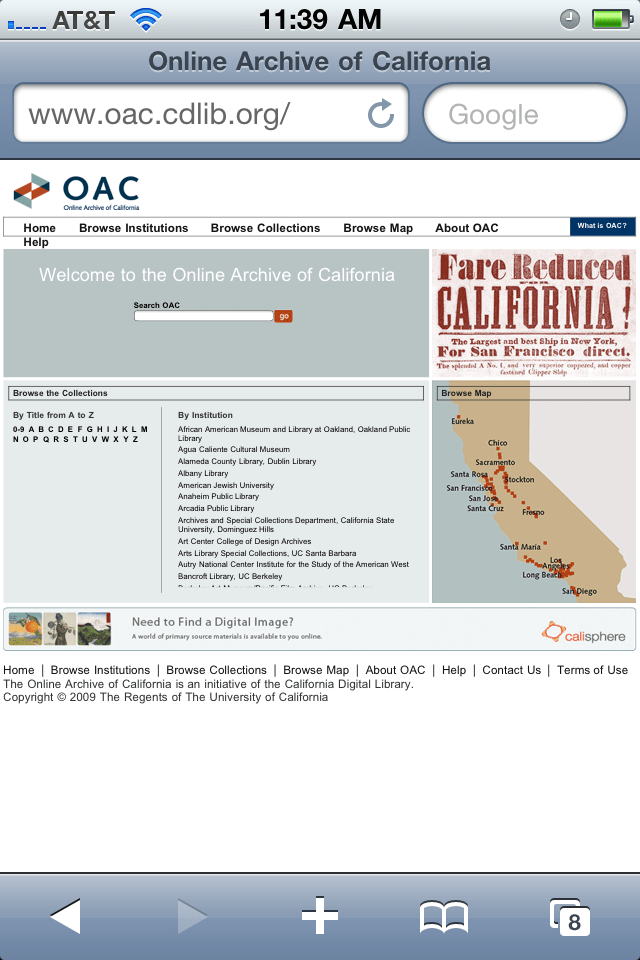
The image shows a screenshot of the Online Archive of California website on a mobile device, with a gray and white color scheme.


BlackBerry

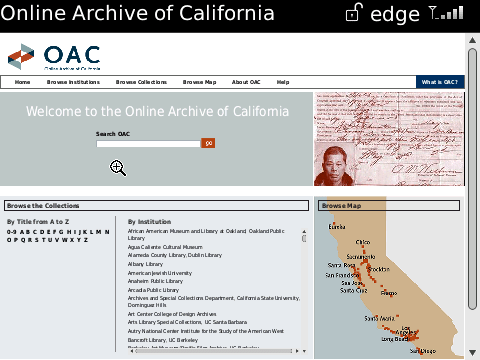
The image shows a screenshot of the Online Archive of California (OAC) website, with a map of California and a search bar.


Android

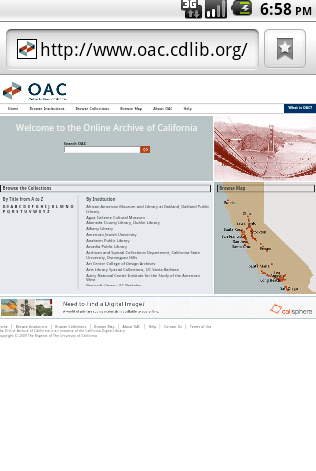
The image shows a screenshot of the California State Library's website, featuring a search bar and a map of California.


Search Results

Search results loaded properly on each of the devices.

iPhone
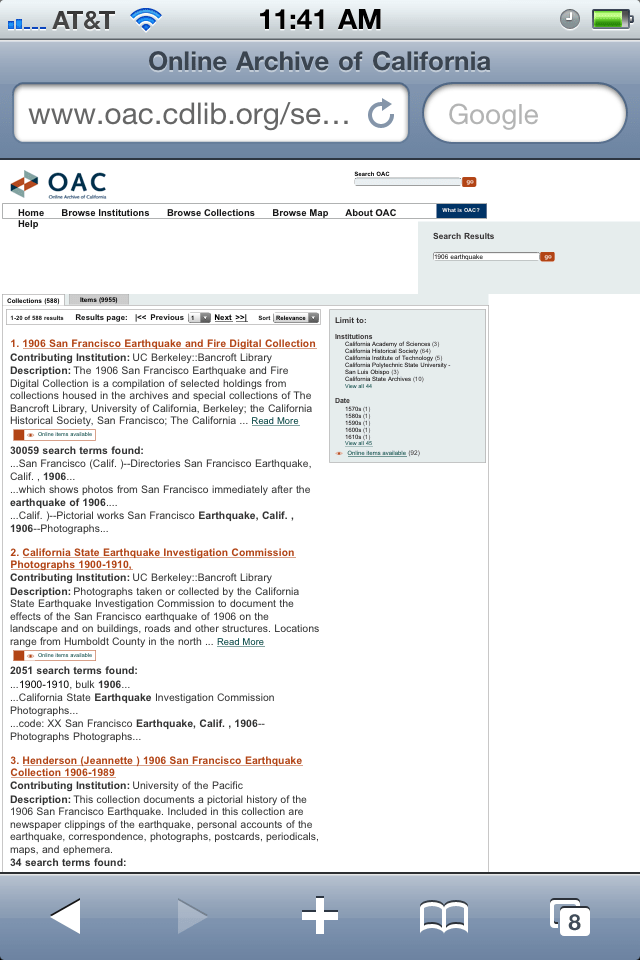
The image shows a screenshot of the Online Archive of California (OAC) website.


BlackBerry

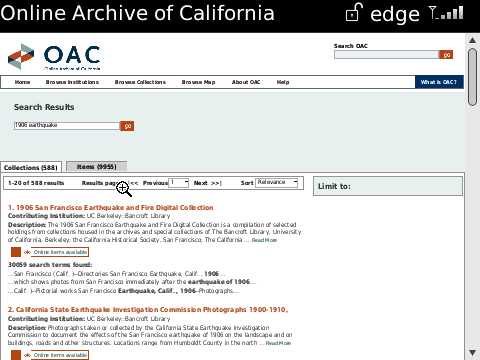
The image shows a screenshot of the Online Archive of California (OAC) website, with a search result for earthquake records.


Android

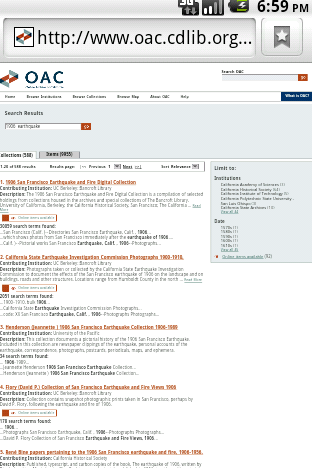
The image shows a screenshot of a webpage with a search bar at the top and a list of search results below it.


Collection Guide

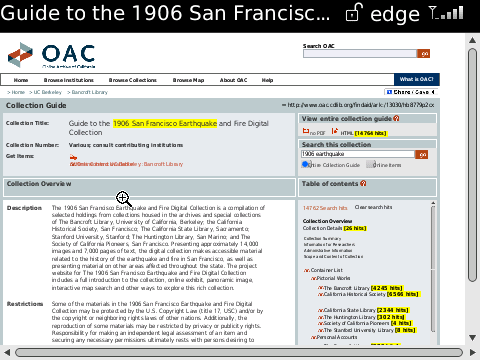
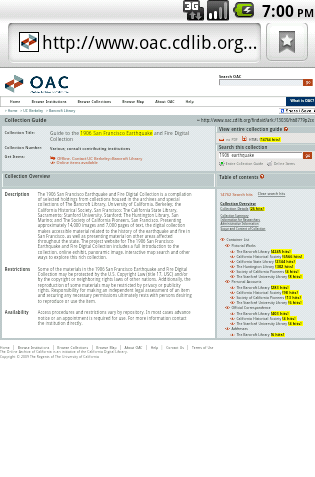
Collection guides loaded properly on each of the devices. Again, the page is wider than it is long, so there is blank space on the iPhone and Android, but this would vary based on the amount of text on this page.

iPhone
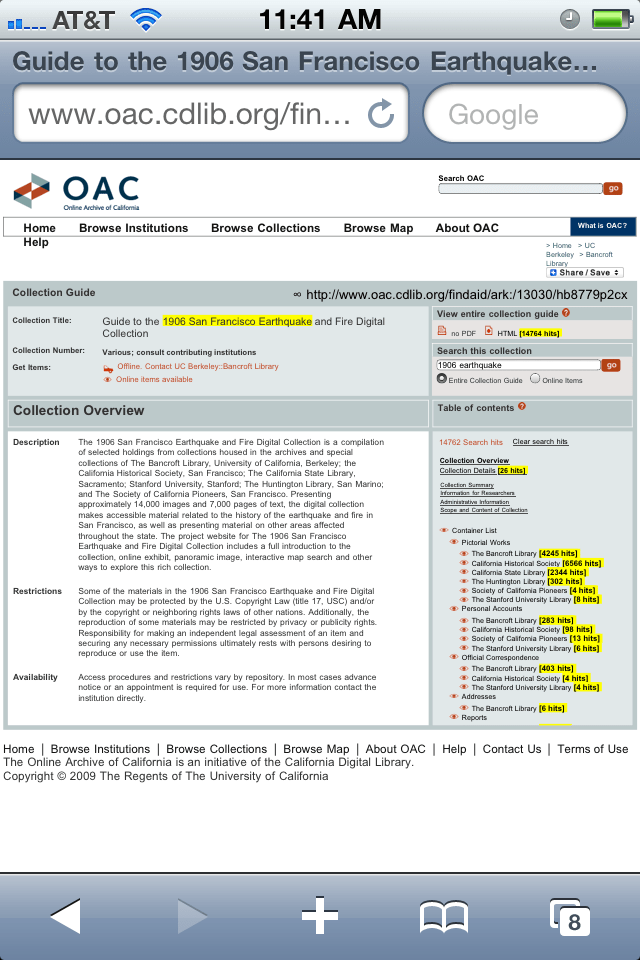
<pThe image shows a screenshot of the Online Archive of California (OAC) website.


BlackBerry

The image shows a screenshot of the OAC (Online Archive of California) website.


Android

The image shows a screenshot of the OAC website, with a search bar at the top and a list of results below it.

HTML Collection Guide

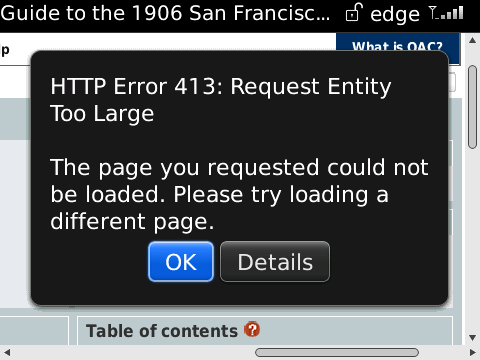
Only the iPhone was able to load the HTML collection guide properly. The BlackBerry repeatedly presented an error because the requested page was too large. The Android tried to load the complete page for an extremely long time before finally timing out the browser.

iPhone
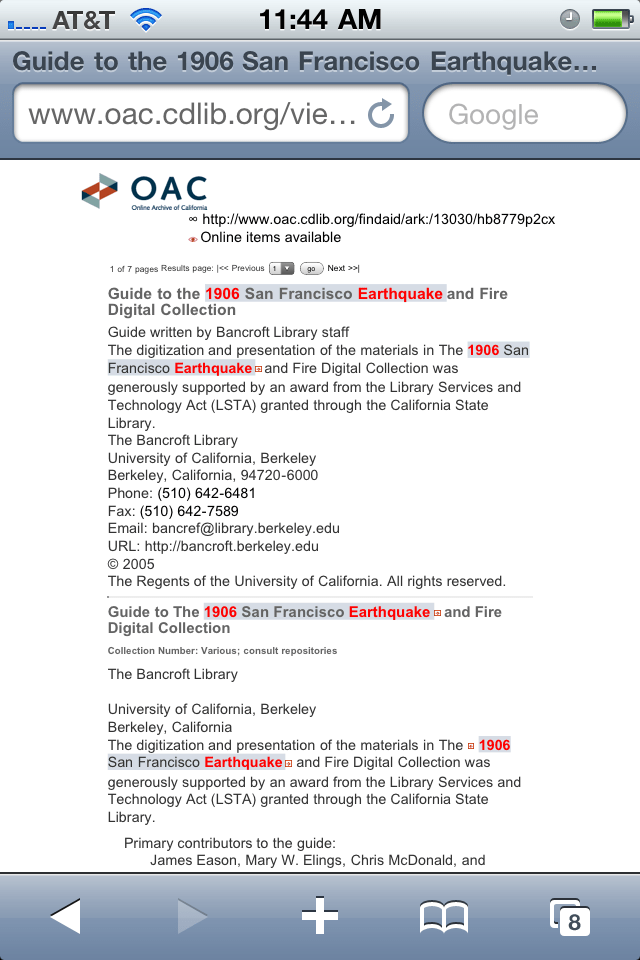
The image shows a screenshot of a webpage on a mobile device, with the title "Guide to the 1906 San Francisco Earthquake..." at the top.


BlackBerry

The image shows a pop-up error message on a webpage, with the title "HTTP Error 413: Request Entity Too Large".


Android

takes an extremely long time to load, eventually times out the browser
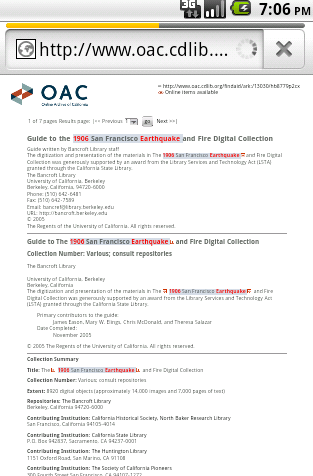
The image shows a screenshot of a webpage with a search bar at the top and a list of results below it.


Share/Save

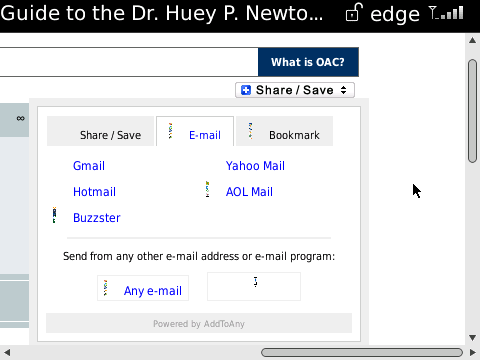
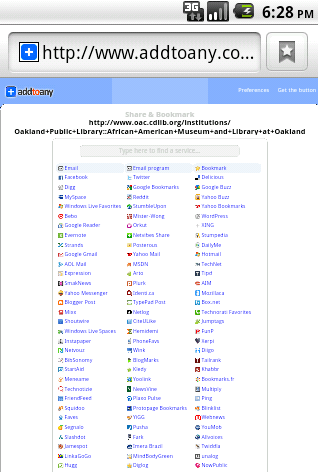
The Share/Save widget rendered differently on each device. It opened normally on the iPhone. On the BlackBerry, the image did not render correctly, but the links did. On the Android, a separate page loaded (instead of opening the usual box on the main page) with a complete list of options.

iPhone
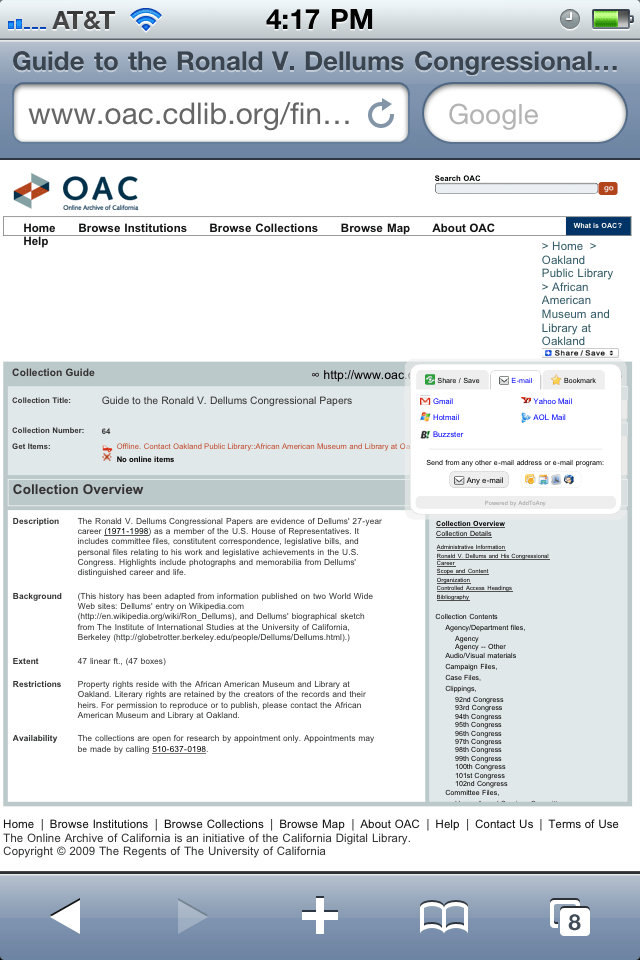
The image shows a screenshot of the Online Archive of California (OAC) website.


BlackBerry

The image shows a screenshot of an email composition window, with a dropdown menu displaying various email services.


Android

The image shows a screenshot of a webpage with a list of bookmarks, featuring a blue bar at the top and a white background.


Email

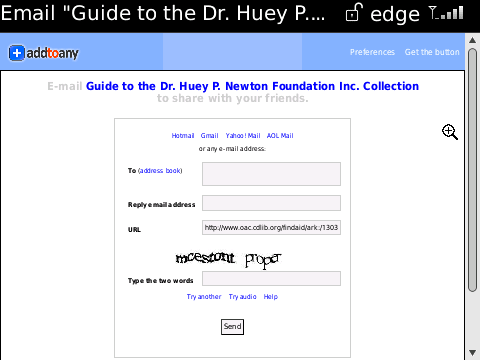
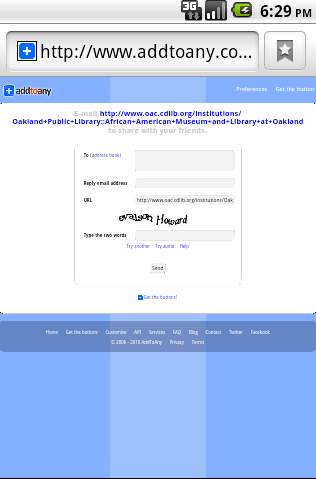
The “any email” option worked properly on all three devices (and sent emails correctly), though it would be preferable if this option opened the native email client on the phone. As it is, it requires a lot of text entry, including a CAPTCHA (the “type two words” challenge), which are particularly difficult to use on phones.


iPhone
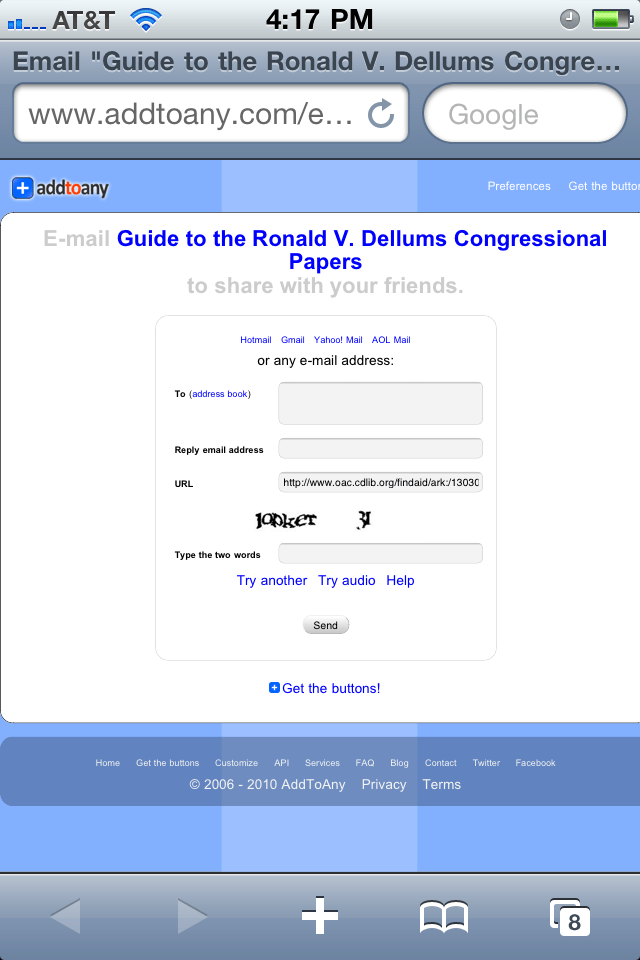
The image shows a screenshot of an email on a mobile device, with the subject line "Guide to the Ronald V. Dellums Congressional Papers".


BlackBerry

The image shows a screenshot of an email client, specifically the "Guide to the Dr. Huey P. Newton Foundation Inc. Collection" page.


Android

The image shows a screenshot of an email inbox, with a blue bar at the top and a white background.